How to Connect Stripe to Trophy Jar
Stripe tells you the moment a payment goes through. That’s the moment. Someone just bought something, renewed their subscription, or upgraded their plan, and they’re happy, the transaction worked, everything’s fine. And then nothing happens. No follow-up, no review request, no capturing that goodwill before it fades.
That’s the gap. Trophy Jar fills it.
What actually happens
When a Stripe payment event fires, be it a charge succeeded, a subscription renewed, whatever you configure, Trophy Jar catches it and sends a review request to that customer automatically. You pick the trigger. Trophy Jar handles the rest.
No batch emails. No guessing at timing. The request goes out because something real just happened.
While you are here, how do your reviews compare?
Type your business name and see where you rank against your competitors. Free, no signup.
Trophy Jar asks every customer for a review automatically, from $9 a month.Start now
Getting connected
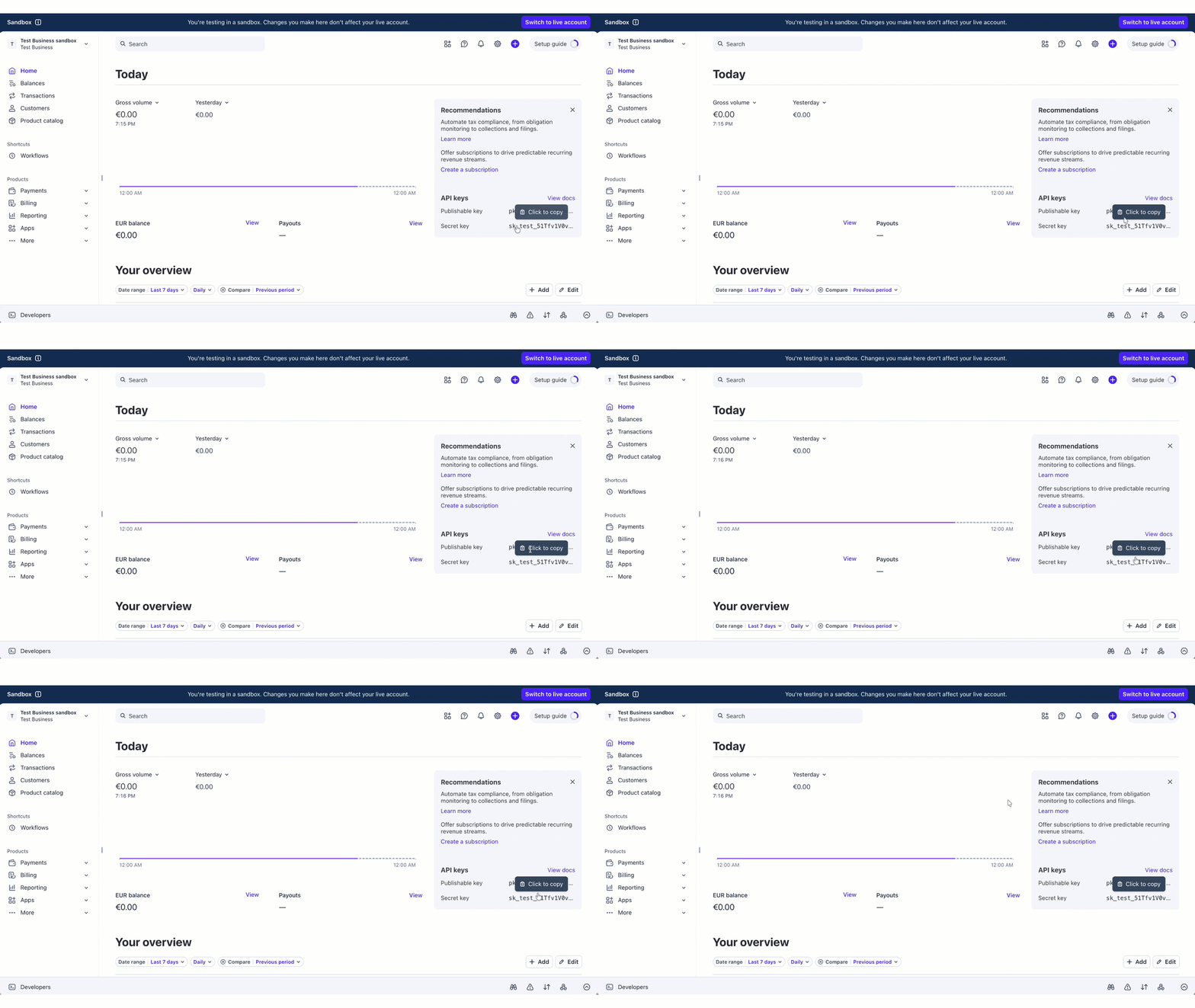
Step 1: Grab your Stripe API key
Head to your Stripe Dashboard and go to Developers → API Keys. Copy your secret key. It could either be sk_test_… for testing or sk_live_… for production.
If you’d rather not use a full-access key, a restricted key with webhook permissions works fine. Honestly, that’s the better habit anyway.
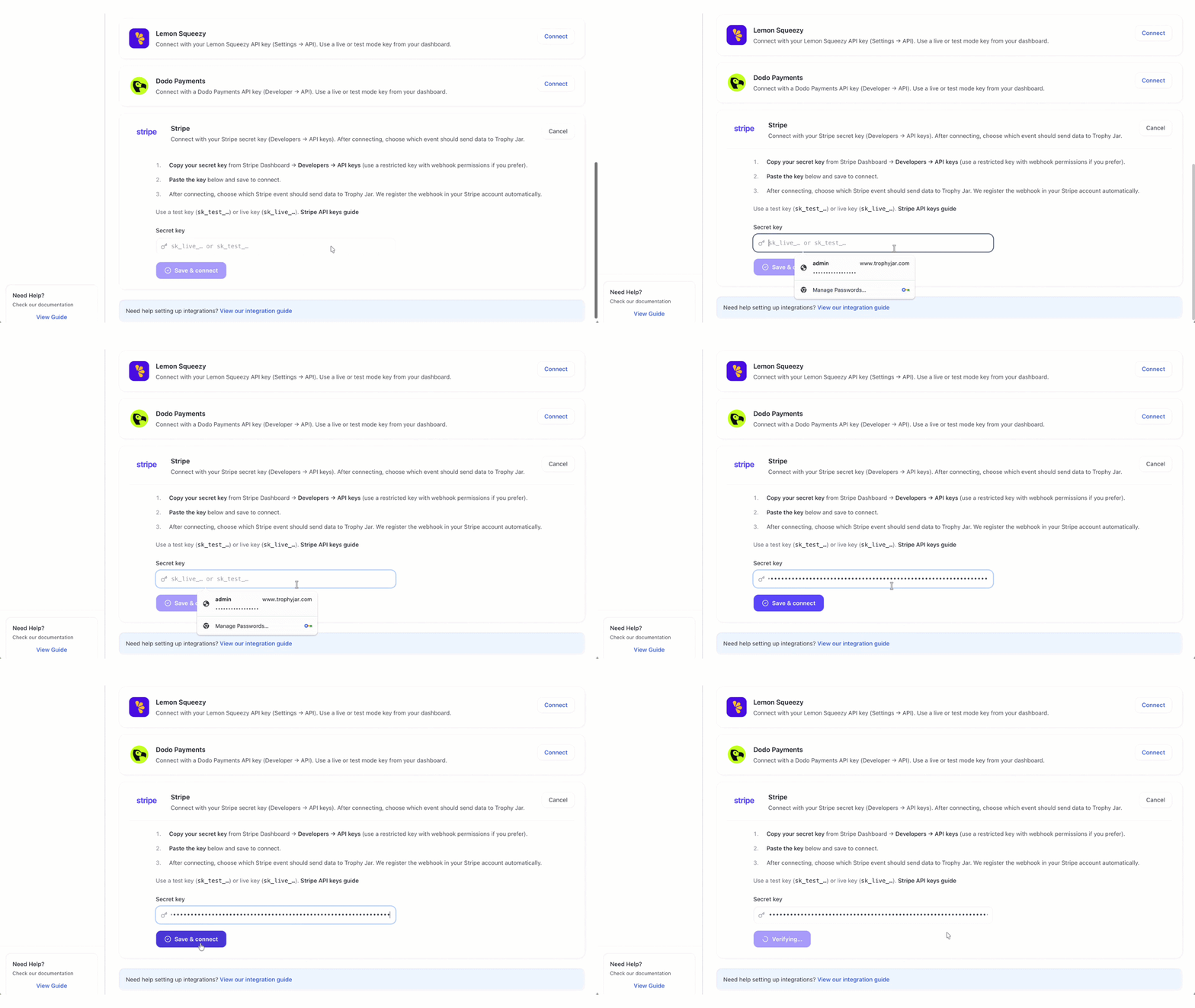
Step 2: Paste it into Trophy Jar
Paste the key into the Stripe integration field in Trophy Jar and hit save. That’s the connection made.
Trophy Jar doesn’t store your key anywhere it shouldn’t be. It uses it to verify the connection and register your webhook, then that’s it.
Step 3: Choose your trigger event
Once connected, pick which Stripe event should kick off a review request. A completed payment is the obvious starting point. But subscription renewals, successful upgrades, first-time charges: all of these are worth considering depending on what you sell.
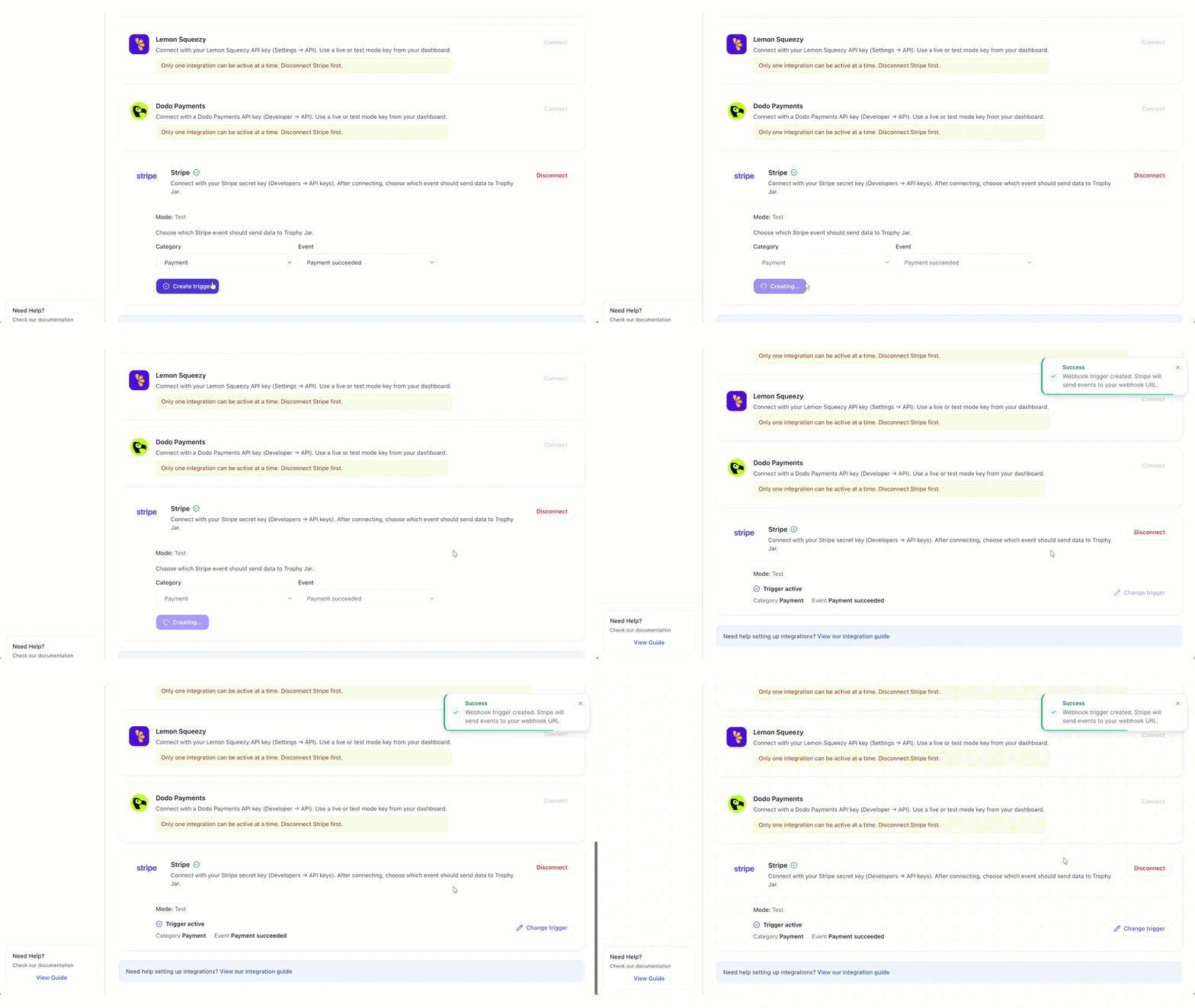
Trophy Jar registers the webhook in your Stripe account automatically. You don’t need to touch Stripe’s webhook settings yourself.
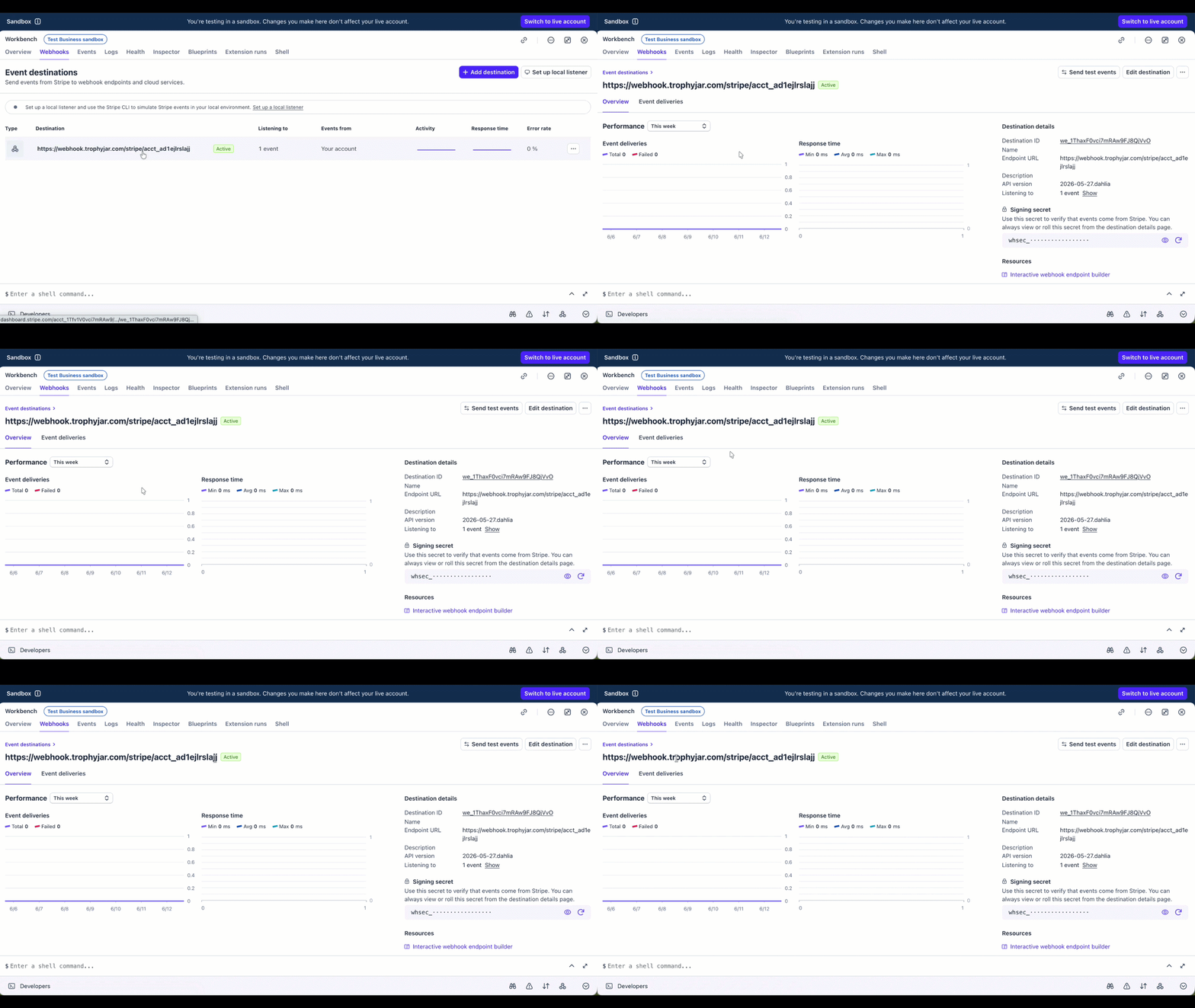
Test mode versus live mode
Sort this out before you configure anything else. Use sk_test_… while you’re setting up and testing. Switch to sk_live_… when you’re ready for real customers. Mixing them up is a common mistake and there’s no warning when it happens. Your test events just start going out to actual people, or your live payments stop triggering anything.
Day-to-day
Once it’s running, nothing changes in Stripe. Payments come in, events fire, Trophy Jar sends the emails. No dashboards to babysit, no manual sends.
Reviews land in your Trophy Jar dashboard and can go straight to your site through widgets, such as carousels, Wall of Love, featured testimonials, badges. The loop closes itself.
Before you flip it to live
Run one test payment through first. Use your test key, complete a transaction, and confirm the review request actually arrives. Catch any issues now, not after a hundred real customers have gone through checkout.
Keep going: see get more reviews on autopilot.