Small business automation sounds bigger and scarier than it is. You picture a server room. A consultant with a slide deck. Some six-month rollout that leaves you more confused than when you started. It is none of that. The real version is quieter. It is you, on a Tuesday, noticing that a task you used to do by hand just happened on its own. Nobody chased it. Nobody forgot. It ran.
Owners who lean into this save a median of five hours a week. The ones who go all in report closer to ten or thirteen. That is a full working day, lifted off your list. Here is how to claw some of it back.

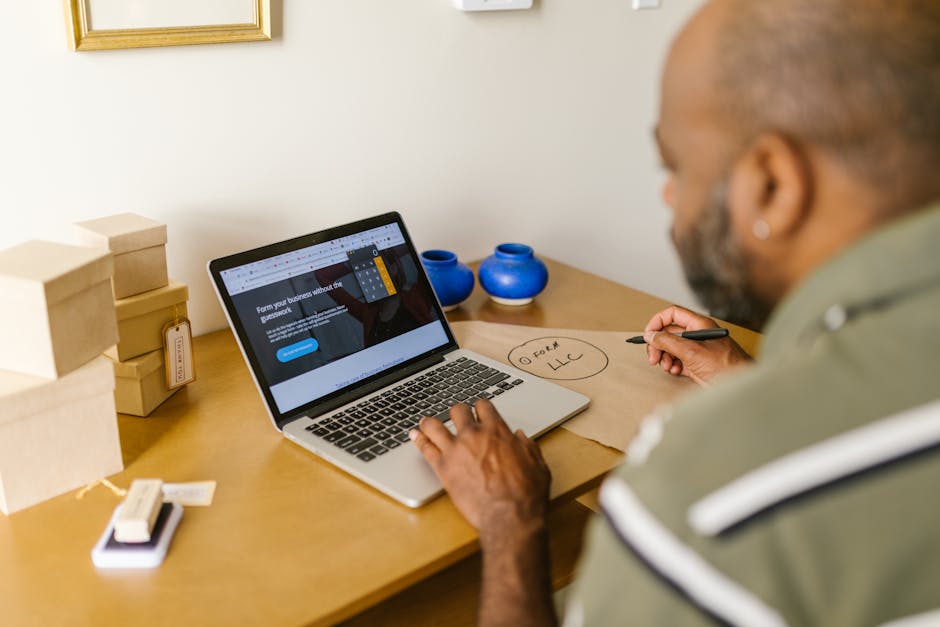
What small business automation actually means
Strip the jargon off and small business automation is one plain idea: a task runs by itself the moment something specific happens. Someone fills out your contact form, so a reply goes out. An invoice gets paid, so a thank-you fires. A deal closes, so the next step starts. No app to open. No sticky note. None of that low hum of remembering.
Nearly every tool is built from the same four parts. A trigger (the thing that happens), a rule (when it should count), an action (what you want done), and an integration (the wire between apps you already use). That is the entire engine. Once you can spot those four parts, small business automation stops looking like magic and starts looking like plumbing. Useful, invisible, and only noticeable when it breaks.

The tasks worth automating first
Do not try to automate everything on day one. That is how people burn out and quit by Friday. Pick the tasks that are repetitive, rule-based, and, honestly, a little boring. Those are the ones a machine handles better than you do anyway.
- Follow-up emails. The new-lead reply, the appointment reminder, the check-in after a job wraps. Automated emails pull in around 320% more revenue than the ones you blast by hand, mostly because they actually go out on time.
- Invoicing and payment nudges. Chasing money is nobody’s favorite hour. Let the system send the reminder and take the awkwardness off your plate.
- Scheduling and intake. A booking link plus an automatic confirmation kills the back-and-forth dead.
- Data entry between apps. Every time you copy a name out of one tool and paste it into another, that is a candidate.
See the pattern? These all steal ten minutes here, fifteen there, until the afternoon is somehow gone. That death by a thousand tiny tasks is exactly what workflow automation was built to end.
Marketing automation, workflow automation, and the rest
You will run into a pile of overlapping terms, so it helps to sort them. Marketing automation covers the stuff that brings people in and keeps them warm: email sequences, social posts, nurture campaigns. It is the top use case for small businesses right now, and roughly 80% of marketing teams already run on it.
Workflow automation is the wider bucket. It is any process, anywhere in the business, that moves from step to step without a person shoving it along. Onboarding a client. Routing a support ticket. Kicking off a project the second a contract is signed. Then there are automation tools, which is just the umbrella word for the software that makes any of this go.
Here is what most guides skip. You do not have to master all three. Solve one annoying problem well, watch the hours come back, then solve the next one. Good small business automation compounds. It does not land all at once, and it should not.
Choosing automation tools that connect to what you already use
The single biggest mistake in small business automation is buying a slick platform that will not talk to your existing stack. If the new tool cannot reach your CRM, your accounting software, or your payment processor, you have not deleted manual work. You have just moved it to a new corner of your day.
So the rule is simple. Start from the apps you already live in and build outward. Whatever automation tools you land on should offer native, one-click connections to those apps, not a brittle chain of workarounds you end up babysitting. Ask three questions before you pay for anything. Does it plug into my current tools? Can I set it up without hiring someone? Will it still make sense when my volume doubles? Three yeses and you have a keeper. If you want the longer version of this checklist, our guide to review management software runs it for one specific slice of the problem.
The payoff, in plain numbers
Let me put real figures on this, because the abstract case for small business automation only carries you so far. By 2025, 82% of small business employers were running at least one automation tool. On average they save about $7,500 a year, and a quarter of them save north of $20,000. Reported ROI tends to land around 250% inside the first eighteen months.
But the number that matters most never shows up on a spreadsheet. It is the mental load you put down. When you know the follow-ups are handled, the reminders are handled, and the money nudges are handled, you stop lying awake at 2am running the checklist in your head. That quiet is the actual product. The dollars are just the receipt.
The bottom line on small business automation
If there is one thing to take away about small business automation, it is that consistency wins. The businesses that get the most out of small business automation are the ones that make it a steady habit rather than a one-off push, and let the results build on their own.
Reviews increasingly shape which businesses buyers and search engines trust. For context, see Google’s guidelines on reviews.
Where review collection fits into your automation stack
Here is a task that belongs at the top of the automate-first list and almost never gets there: asking for reviews. Most owners do it by hand, on a good day, when they happen to remember. Which means on most days it does not happen at all. And every skipped ask is a five-star review you earned and never collected.
The same logic behind any decent workflow automation fits here perfectly. A trigger fires (a job wraps, an invoice clears, a deal closes) and the review request goes out on its own. No reminder to yourself. No awkward timing. It just runs beside everything else you already automated, part of the same quiet machine.
Trophy Jar is the tool that automates that one thing. It connects to the apps you already use, watches for the moment a customer is happiest, and sends the ask for you. Smart follow-ups (up to three, only to people who have not reviewed yet) catch the ones who meant to and forgot. Reviews land on your website, on Google, or in a directory, and your star ratings start turning up in search and in AI answers. One more piece of small business automation, working while you sleep.
Frequently Asked Questions
What is small business automation in simple terms?
It is software that finishes a repetitive task by itself the moment a specific event happens. A form gets filled out, so a reply sends. An invoice gets paid, so a thank-you fires. You set the rule once, and from then on the task just runs, without anyone having to remember it.
What should a small business automate first?
Start with the repetitive, rule-based tasks that bleed ten minutes at a time: follow-up emails, appointment reminders, invoice nudges, review requests, and copying data between apps. They are boring, predictable, and easy to hand off, which makes them the fastest wins and the safest place to build some confidence.
Do automation tools need to connect to my existing software?
Yes, and this is the part people get wrong. If a tool cannot connect natively to your CRM, accounting software, or payment processor, you have not removed manual work. You have just relocated it. Look for one-click native integrations so setup takes minutes instead of a lost weekend of workarounds.
Related reading
Keep going: see automated review collection.
Add review collection to your automation stack
You have automated the follow-ups and the invoices. Now let the review requests run themselves too, triggered the moment your customer is happiest. Start for $9/month.